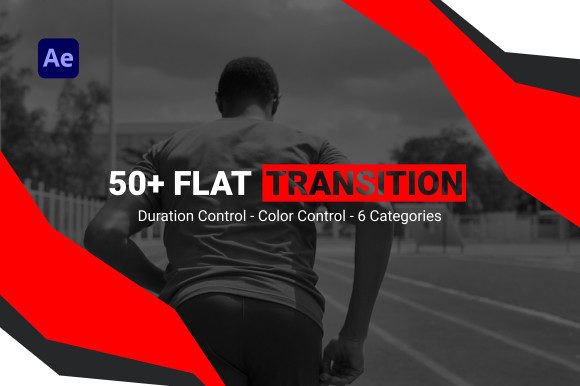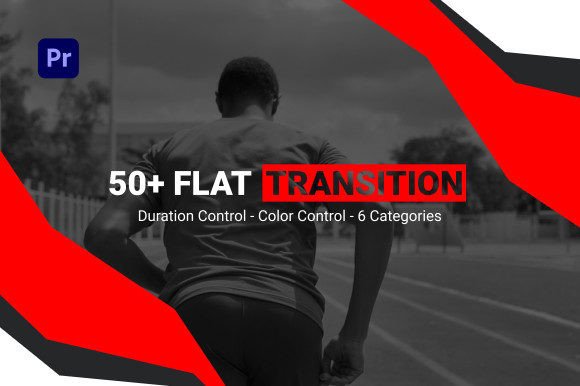
Elevate Your Edits with Flat Transition for Premiere Pro
If you’ve spent any time editing video, you know that the transition between two clips is more than just a technical bridge—it’s a storytelling device. A jarring cut can break immersion, while a smooth, intentional transition keeps the viewer’s eye locked on the screen. That’s where the Flat Transition template for Premiere Pro comes in. It’s not just a set of wipes or fades; it’s a thoughtfully designed system of motion graphics that brings a polished, modern feel to your projects without requiring hours of manual keyframing.
Understanding the Flat Aesthetic
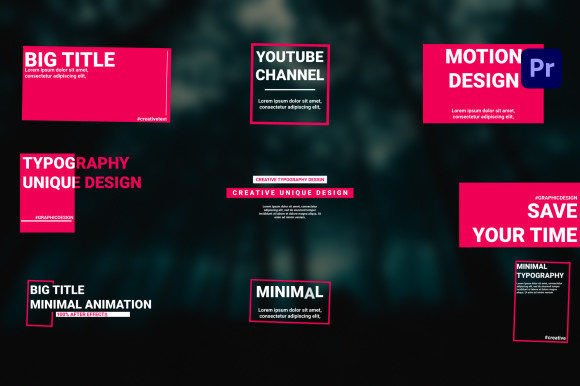
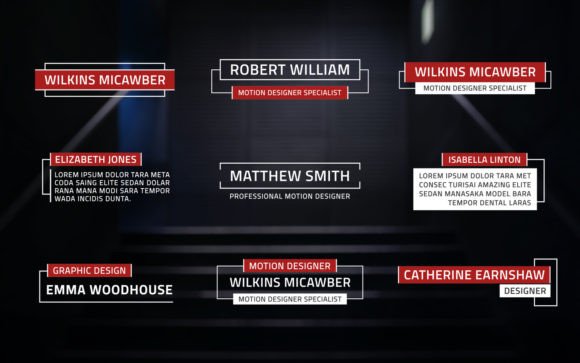
The “flat” style isn’t a passing trend—it’s a design language rooted in clarity and simplicity. Think clean edges, solid colors, and a lack of heavy shadows or textures. In motion graphics, this translates to transitions that feel crisp, contemporary, and highly professional. The Flat Transition template embodies this perfectly. It offers 54 distinct transitions, organized into six logical categories, giving you a versatile toolkit that can adapt to a wide range of video genres.
What makes this collection stand out is its flexibility. You’re not locked into a single color scheme. With full color control, you can match the transitions precisely to your brand’s palette, your video’s mood, or your client’s guidelines. This level of customization is crucial for maintaining visual consistency, which is a cornerstone of strong brand identity.
Where This Template Shines: Real-World Applications
Let’s talk about where you’d actually use this. The applications are broad, and that’s a key strength. For content creators on YouTube or social media, these transitions can instantly elevate the production value of tutorials, vlogs, or product reviews. Instead of a simple cut, a well-timed flat transition can guide the viewer’s attention and add a layer of professionalism that builds trust.
For entrepreneurs and marketers, the value is even more direct. Imagine creating a promotional video for a new product. Using these transitions can make the final piece feel more like a polished advertisement and less like a slideshow. This perception of quality can directly influence how your audience perceives your brand’s credibility and the value of what you’re offering.
Even in more traditional editorial design contexts—like a digital magazine or a publisher’s video content—these flat transitions provide a cohesive visual thread. They help maintain a consistent aesthetic across multiple pieces of content, which is vital for audience recognition and engagement.
Practical Integration into Your Workflow
The real beauty of a template like this is how it streamlines your process. The “drag and drop” functionality isn’t just a feature; it’s a practical solution for tight deadlines. You don’t need to be a Premiere Pro expert to get professional results. The included video tutorial is a smart inclusion, offering a quick path to understanding how to best implement the assets.
When you’re evaluating a design asset like this, consider its compatibility with your existing toolkit. This template requires no external plugins, which eliminates a common point of friction. It’s designed to work seamlessly within your current setup. Furthermore, the 1920×1080 Full HD resolution ensures your output will be crisp on most modern screens, from social media feeds to presentation displays.
A word on licensing: for any commercial project, always verify the terms. A template that allows for commercial use is essential for small business owners and freelancers who are creating content for clients. The ability to use these assets without recurring fees or complex restrictions is a significant advantage.
Making the Most of Your Transitions
Having a tool is one thing; using it effectively is another. My advice? Don’t overdo it. The power of the Flat Transition set lies in its subtlety and variety. Use a consistent category or color scheme throughout a single video to maintain a unified feel. Think of it like choosing a font pairing—you want harmony, not chaos.
Test the transitions on your actual footage before committing. See how a particular wipe interacts with the motion in your clips. Does it enhance the flow or distract from the subject? The goal is to support your narrative, not overshadow it. Because the duration is adjustable, you can fine-tune the timing to match the pace of your edit, whether it’s a fast-paced social media clip or a slower, more cinematic piece.
Ultimately, the Flat Transition template for Premiere Pro is more than just a collection of effects. It’s a practical toolkit for improving visual communication. It helps bridge the gap between amateur and professional-looking video, making it a valuable asset for anyone serious about their digital content. In a landscape where first impressions are made in milliseconds, these kinds of thoughtful design choices make all the difference.